Setup Rivatuner
Rivatuner Statistics Server (RTSS) is required by some Venom products. It must be installed, configured, and running as administrator before injecting.
Install
Download and install Rivatuner:
Open the Settings
After installing, Rivatuner runs in the background. Its icon will appear either in the taskbar near the clock or inside the hidden icons tray — click the arrow (^) next to the clock to expand it if you do not see it.
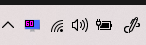
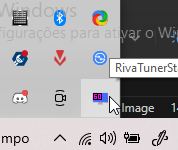
Click the Rivatuner icon to open the settings window.
Configure
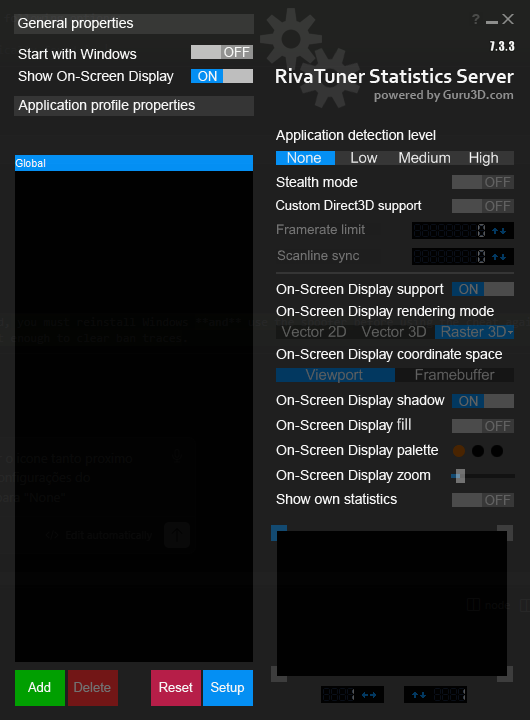
With the settings window open, set Application detection level to None.
Keep It Running
Leave Rivatuner open in the background at all times while using the cheat. Do not close it after injecting.
Last updated on